

Making a movie can feel like an unconquerable task. But with smartphone, most of the problem is fade away.
1ST Rule
Keep using the 1x Main Camera as much as possible. Even the smartphone has internal Ultra Wide or Zoom Camera. Because of the CMOS size is almost double on the Main Camera, after zooming, the image quality is Obviously decline. The mobile screen is small enough to cheat you both look good.
Filmaker APP
There are a bunch of different options for “recording software apps” on the App Store / Play Store, but Filmic Pro is probably the most well-regarded – and it’s only around $14.99. Or the free app, BlackMagic.
If the built-in Camera App is used, you need to turn off the Macro Mode. It is normally found at the left-bottom concer of the screen.
How to bring people to look what you show?
Damien Chazelle Explains Smartphone Filmmaking:
There’s no reason we can’t be a little more free-thinking with it [filmmaking] the same way painters long ago decided ‘well if I want to paint an image like this I’ll paint it vertically – this will be horizontal, this will be a box, this will be on a wall, this will be on a ceiling, this I want people to look up to, this I want people to look down to.’ I’m just trying to think of any moving image as a little bit more of a blank page.
Camera Movement
Camera movement is a film production technique that changes the image or perspective through the movement of the camera. The movement of the camera allows you to change the audience’s sight. Specific types of camera movements in movies can also have psychological and emotional effects on the audience. These effects can be used to make movies more immersive and attractive.
1. Static
Static shot / Movie Camera Shots
A key distinction to Martin Scorsese’s directing style is allowing room for improvisation from his actors. Static shots with multiple cameras are perfect for capturing these moments. Check out this video comparison by Screenplayed that compares the final cut and screenplay of this Wolf of Wall Street scene.
A static shot is achieved by locking a camera to a fixed-position typically with a tripod. It take no camera movement at all. And it performs the non-distracting. This is one of the best camera movements for dialogue, precise composition or Actor’s showing something important.
2. Pan
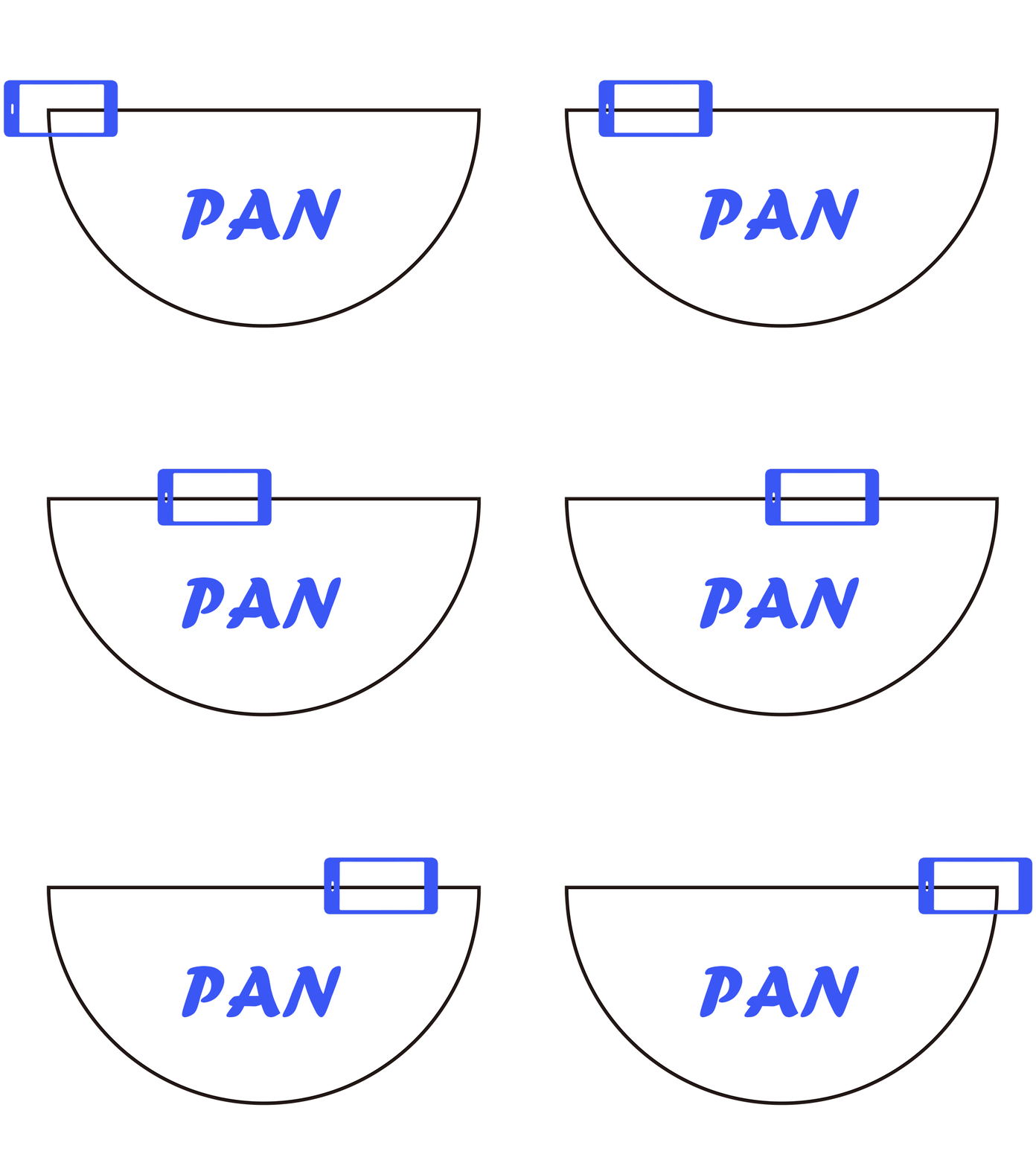
Recommended Lens
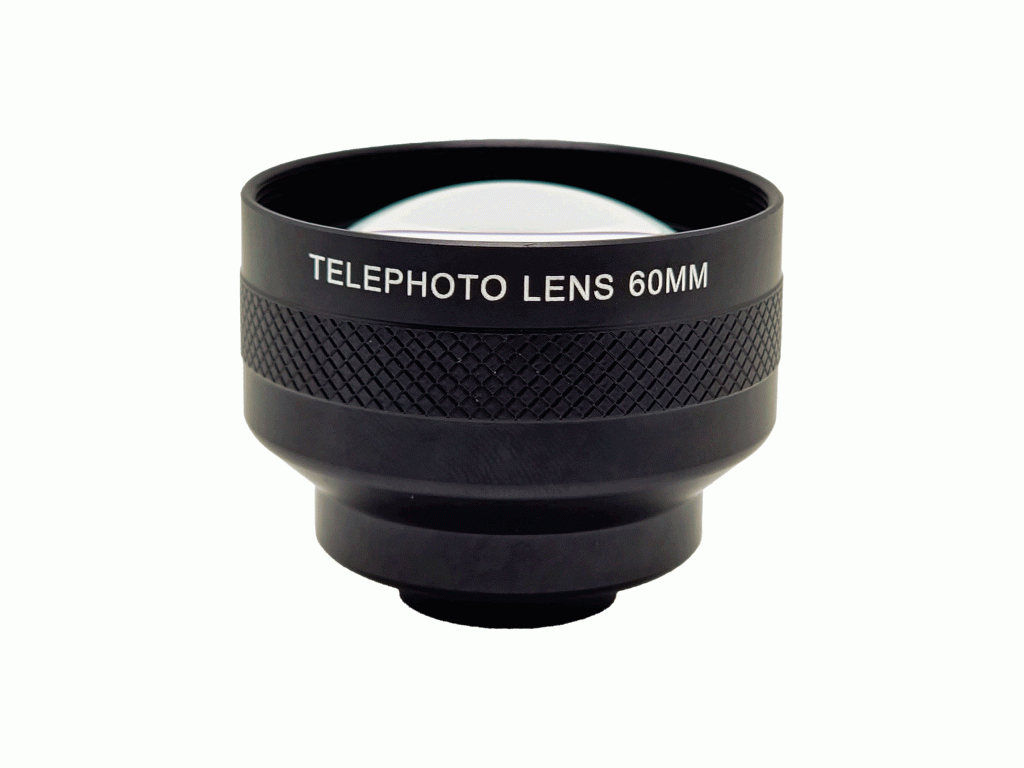
60mm Telephoto
The camera pan directs a camera horizontally left or right. But typically, left to right. You will find some resistance will be observed on right to left.

A Telephoto Lens will be recommended when you use Pans. A Telephoto Lens compress the deth of View and make the main body can be stand out more easy.
Pan with FotoZ 60mm TelePhoto Lens
Pan with FotoZ 18mm Wide Lens
Pans are often motivated by a character’s actions. They can also be used to reveal new information to the audience.
Second generation of the Pan is Whip pan which is doing it fast enough to bring the power to audience.
Art of the Whip Pan Shot / StudioBinder
3. Push In
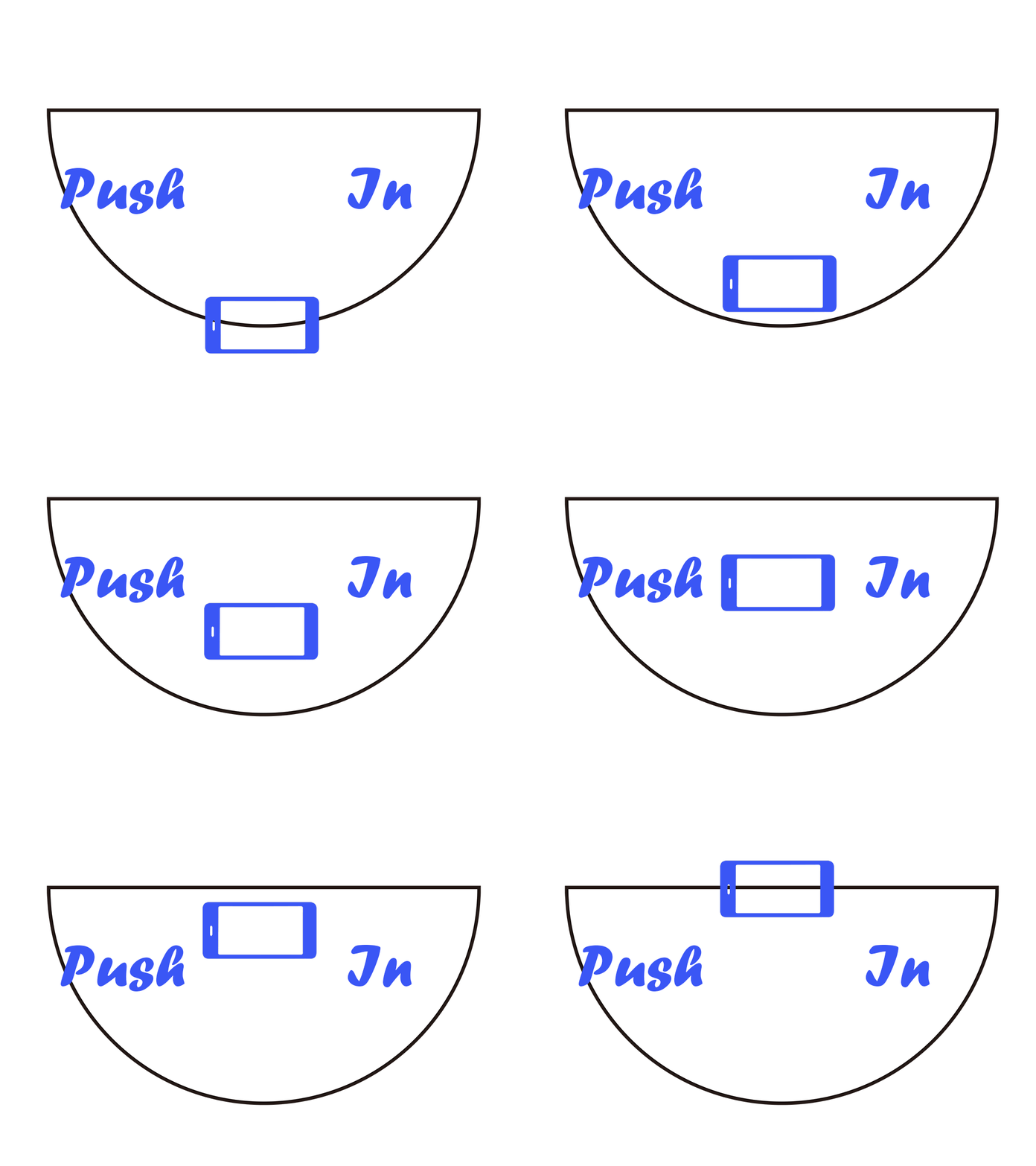
Recommended Lens

18mm Wide
The Push In move toward to the subject. Push In draw the audience’s attention toward a specific detail. It is recommended to use a Wide Lens to amplify the motion from the Moderate distortion feature of the Wide Lens.
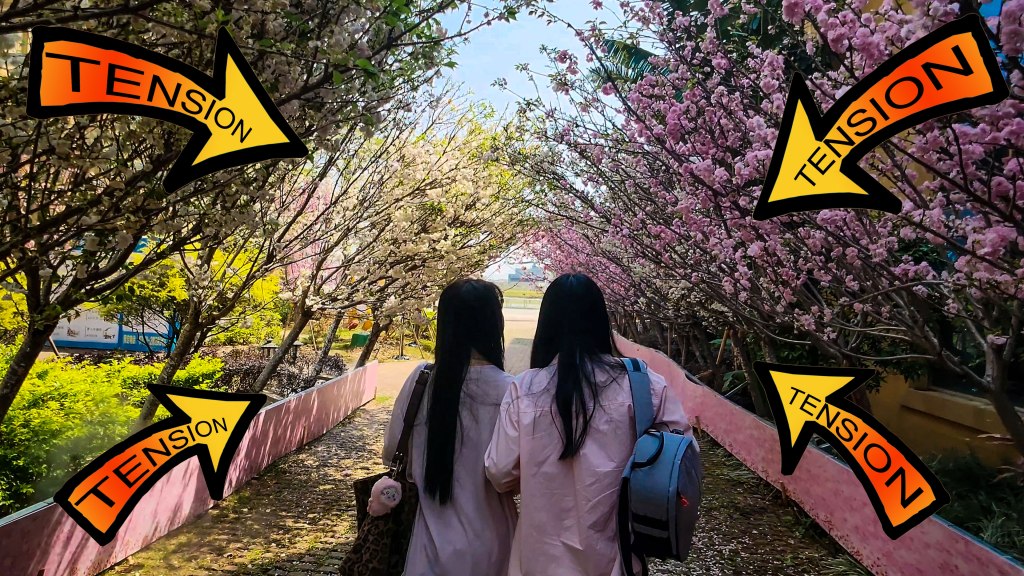
You can also Push In to the character and try to infer what is happening internally. This may be a reaction, thought process, or internal conflict.
Push In without Lens
Push In with FotoZ 18mm Wide Lens
4. Pull Out
Pull Out is the opposite of the Push In that moves the camera further away from a subject. It is recommended to use the Wide Lens same reason to the Push In.

Recommended Lens
18mm Wide
Pull Out causes the subject to grow smaller while simultaneously revealing their surroundings.Pull outs can be used to reveal setting and characters. It bring the reveal information and entice emotion.
4+. Dolly Zoom
Dolly Zoom is the second generation of the Push In or Pull Out. A dolly zoom is achieved by dollying the camera away from or toward a subject while simultaneously zooming in the other direction.
Dolly Zoom / Studio Binder
Dolly Zoom is commonly used to capture the internal conflict of a character.
5. Tracking shot
Recommended Lens
60mm Telephoto
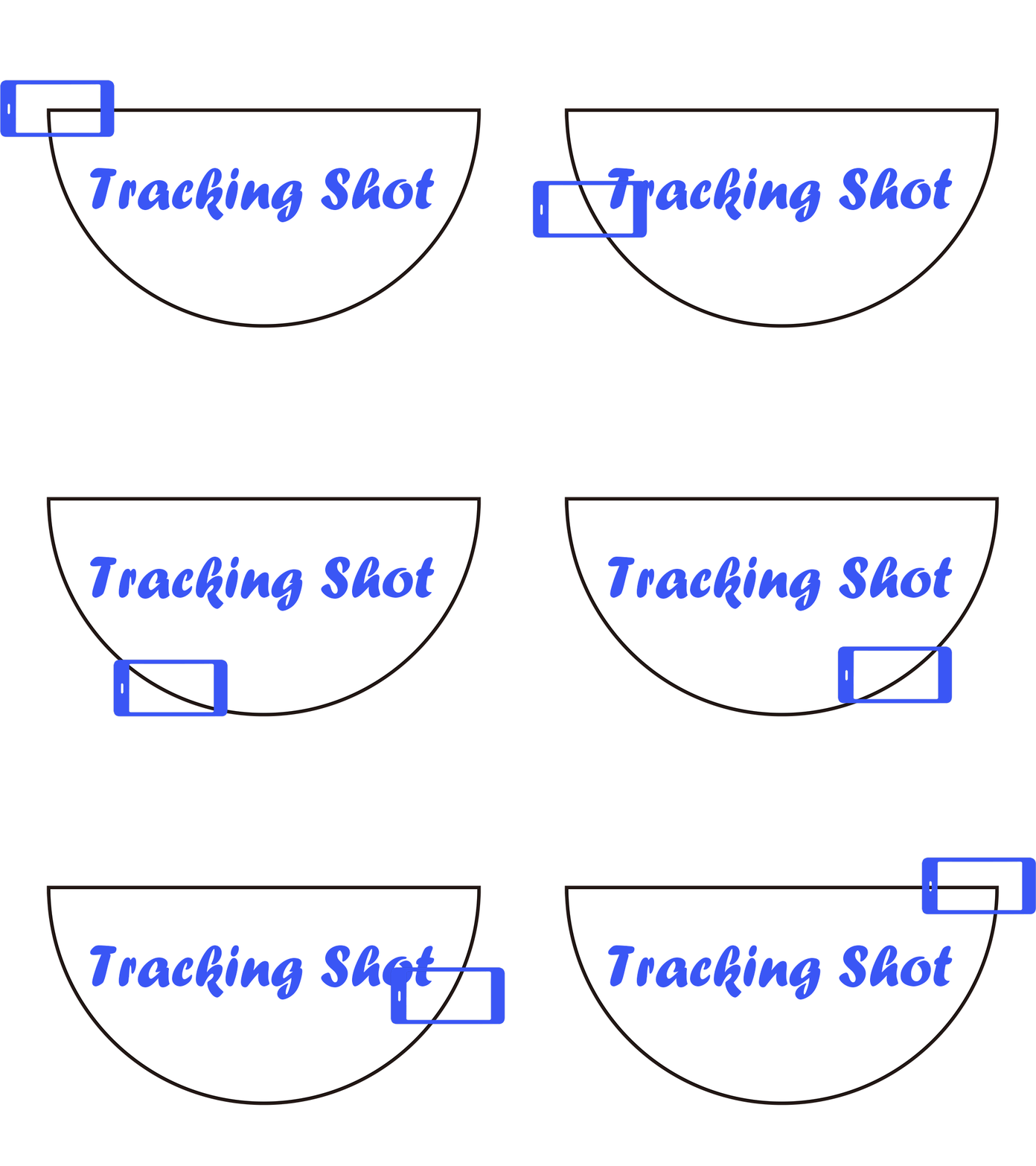
Tracking Shot is where the camera moves alongside the subject, tipically on a dolly or track. It is recommended the 60mm Telephoto Lens to make your scene simple and easy to show out to the audience.
Truck is the second generation of the Tracking Shot that moving the camera laterally, parallel to the subject.
6. Arc Shot
Recommended Lens
60mm Telephoto
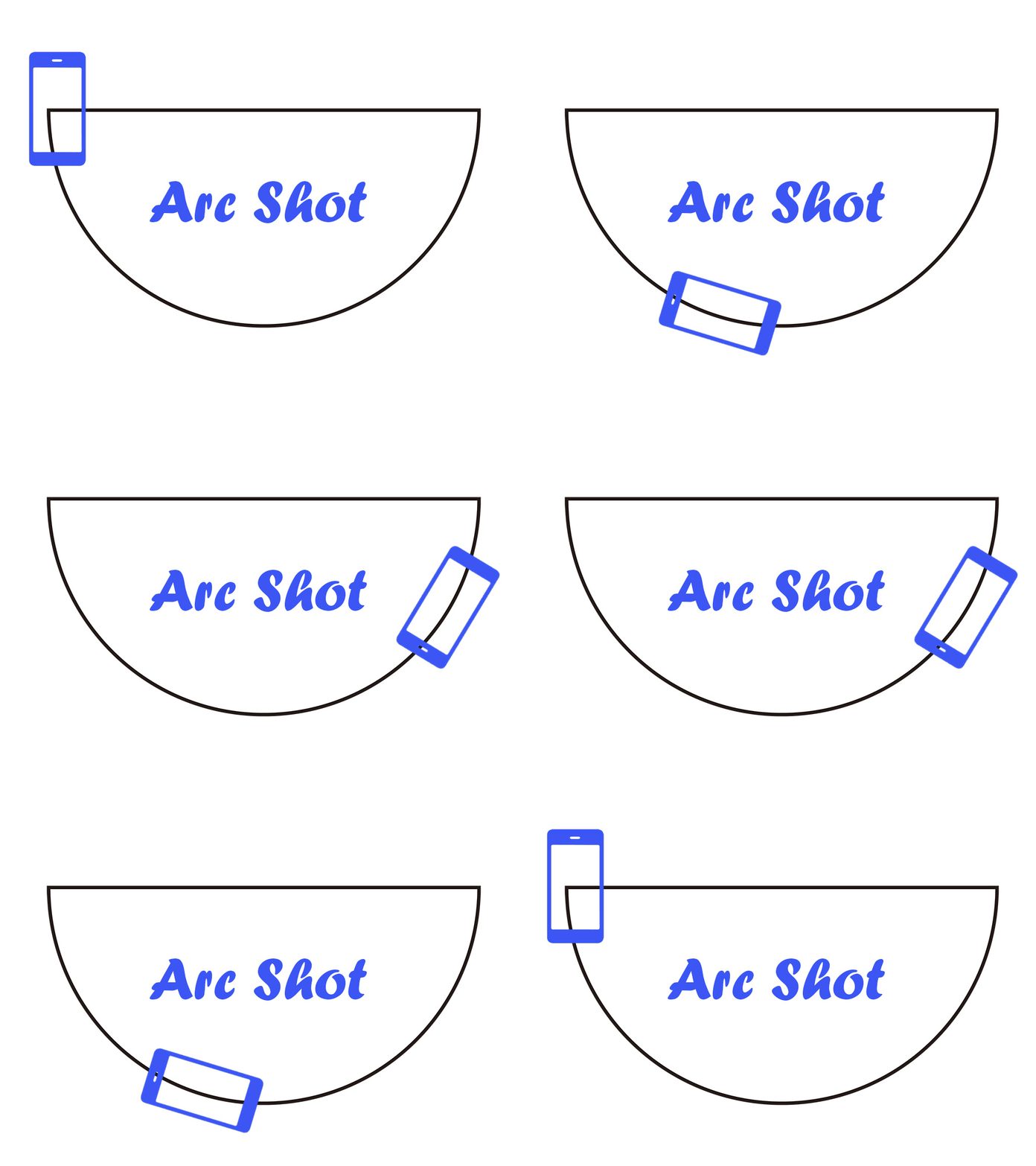
Arc shot orbits the camera around a subject in an arc pattern. Arc shots are typically used to add energy to a shot in which characters have minimal actions. It is recommended to use a Telephoto Lens to figure out the characters.
Arc Shot / Movie Cinema Shot
Post Production
It’s entirely possible to edit your movie on Smartphone.
1. Adobe Rush Video Editing App
Video Maker App Details
- Free: Yes (paid+)
- 4K Capability: Yes
- YouTube Export: Yes
- Multi-Track Editor: Yes
- Available Platform(s): iOS, Android, Windows, Mac OS
- Best For: Artists who need a top video editing app with robust options
2. LumaFusion Video Editing App
Video Maker App Details
- Free: No
- 4K Capability: Yes
- YouTube Export: Yes
- Multi-Track Editor: Yes
- Available Platform(s): iOS
- Best For: Mobile journalists and on-the-go filmmakers
3. KineMaster Pro Video Editing App
Video Maker App Details
- Free: Yes (paid+)
- 4K Capability: Yes
- YouTube Export: Yes
- Multi-Track Editor: Yes
- Available Platform(s): Android, iOS
- Best For: Artists looking to edit various projects, including music videos
 FotoZ
FotoZ 