
Instrustion Manual
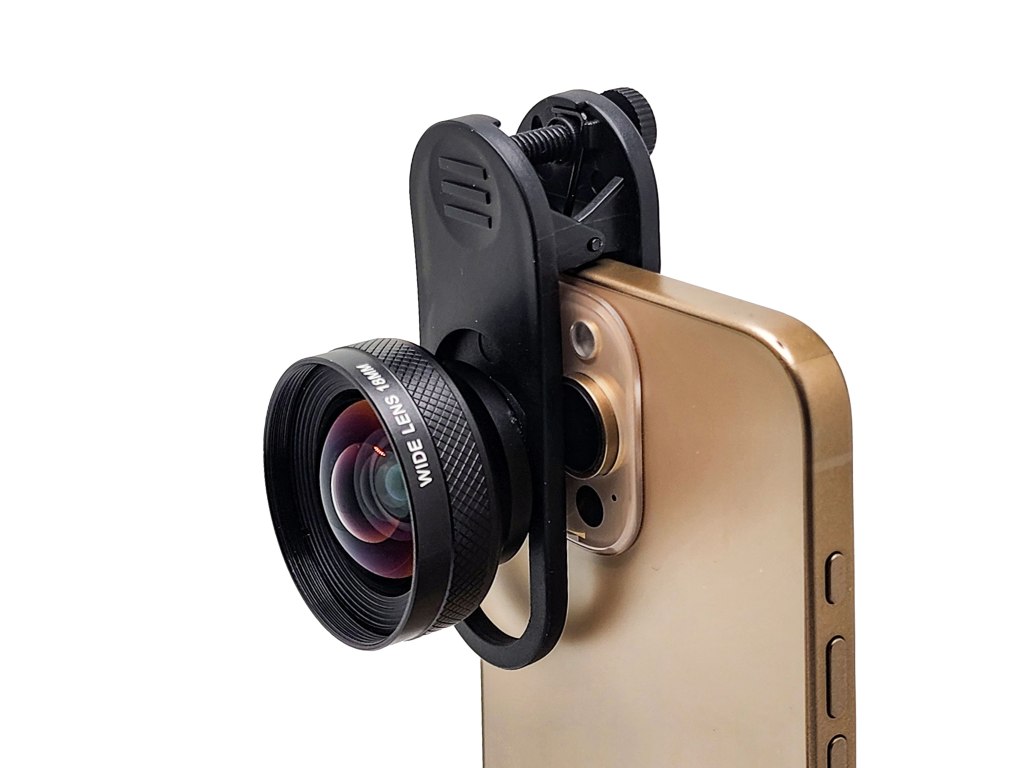
Package Content

Wide Lens x 1
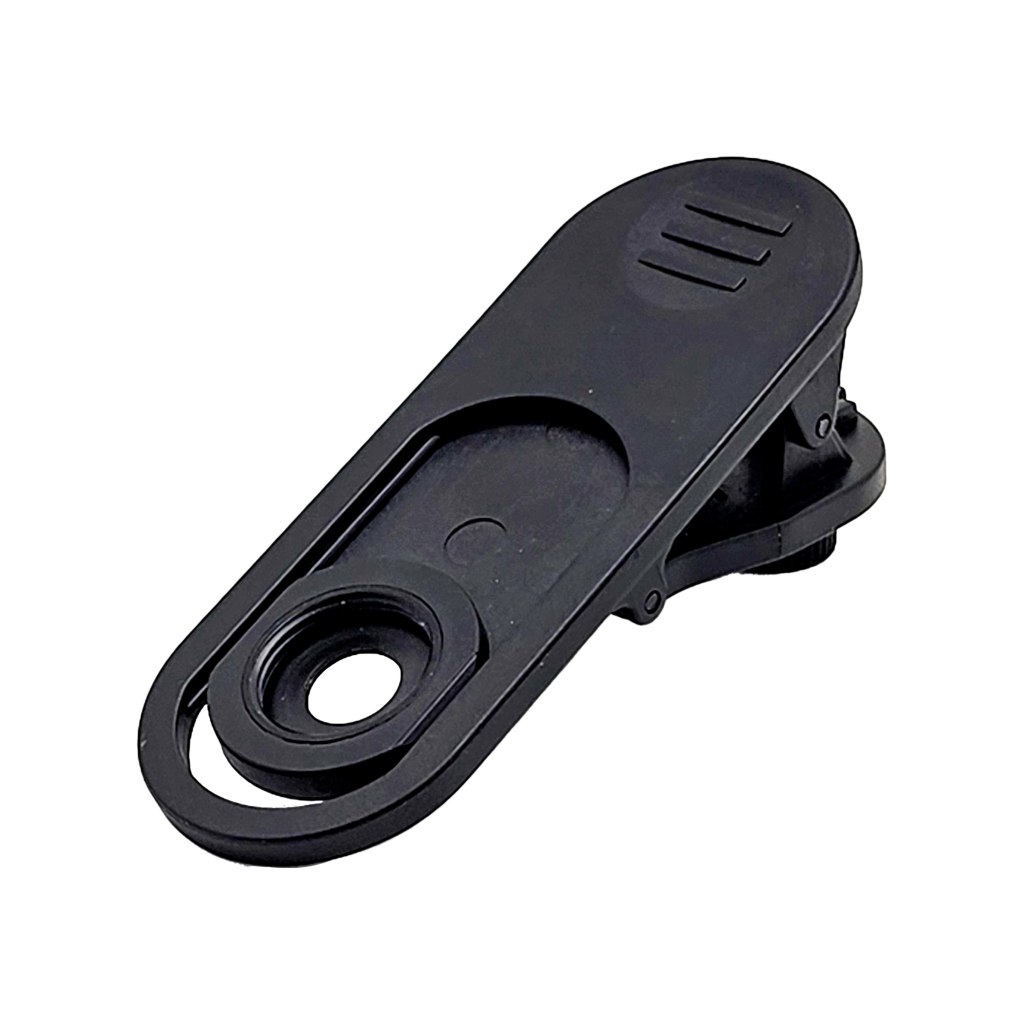
Flat Clip x 1
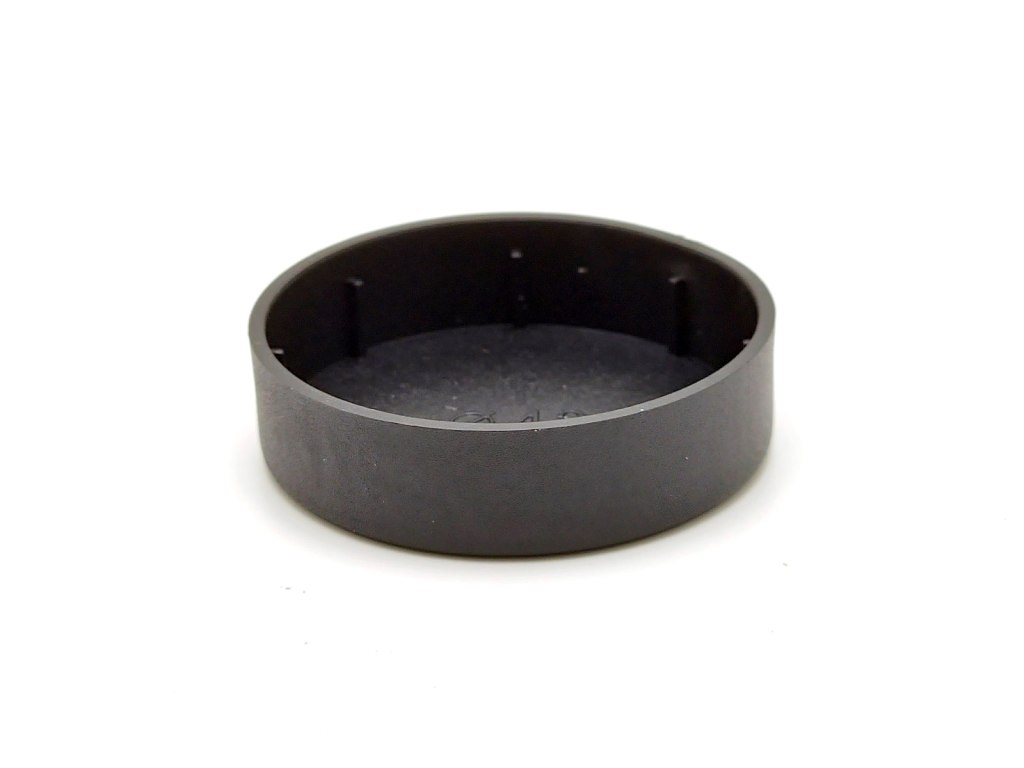
Front Lens Cap x 1
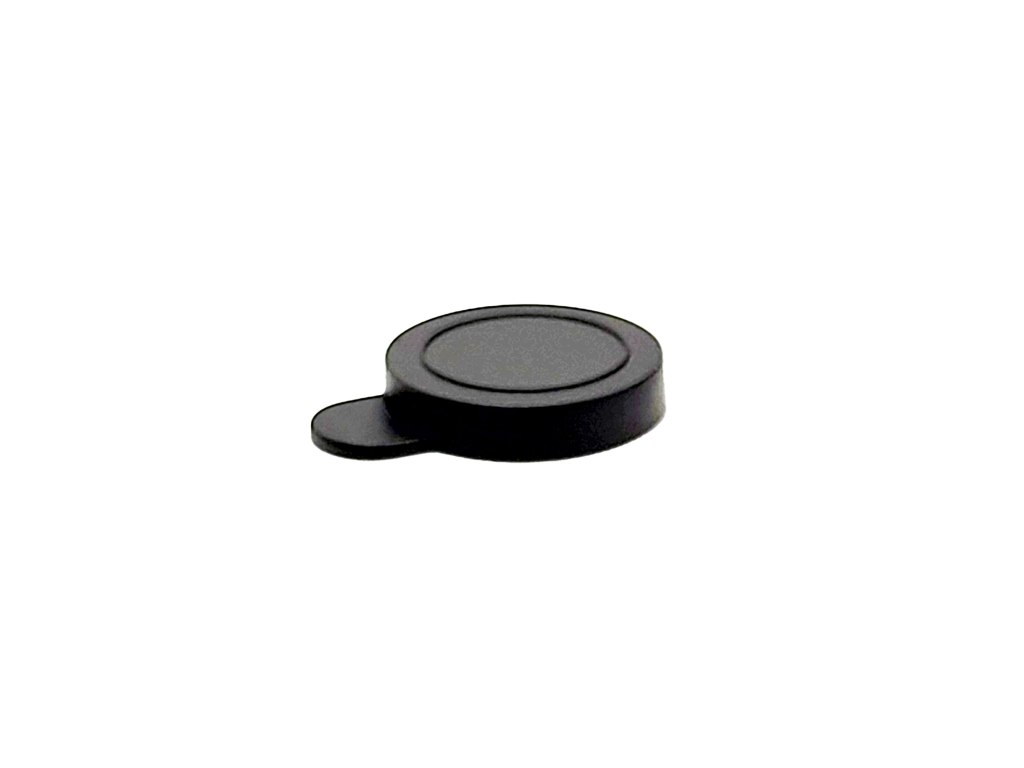
Rear Lens Cap x 1
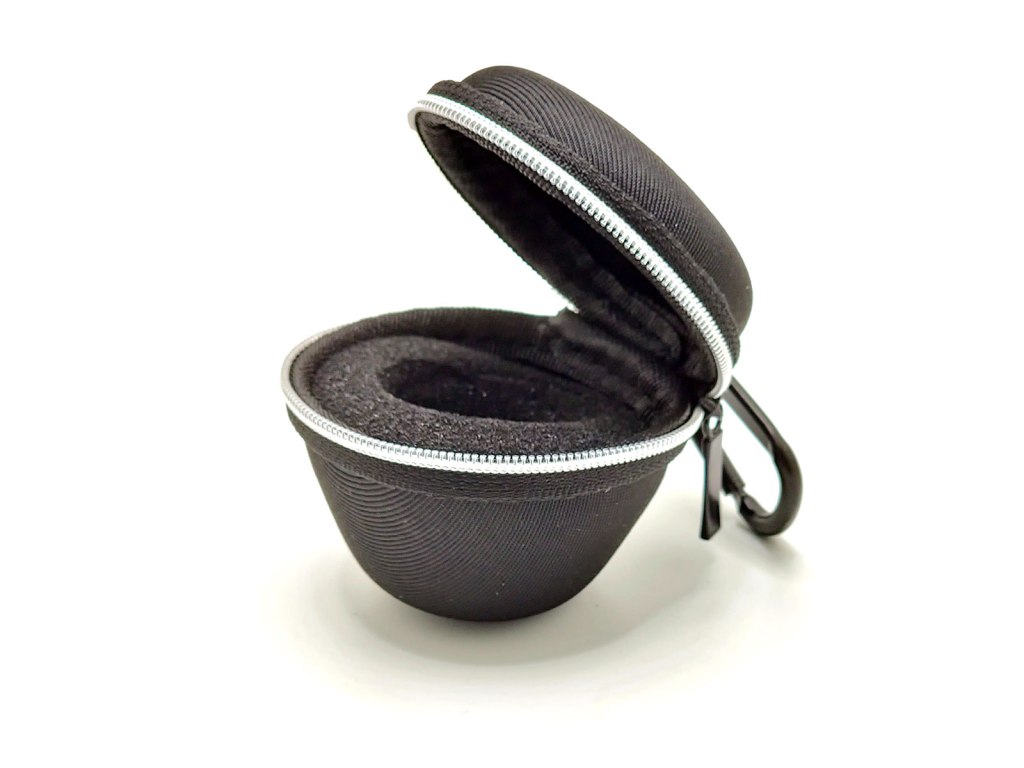
Pouch x 1
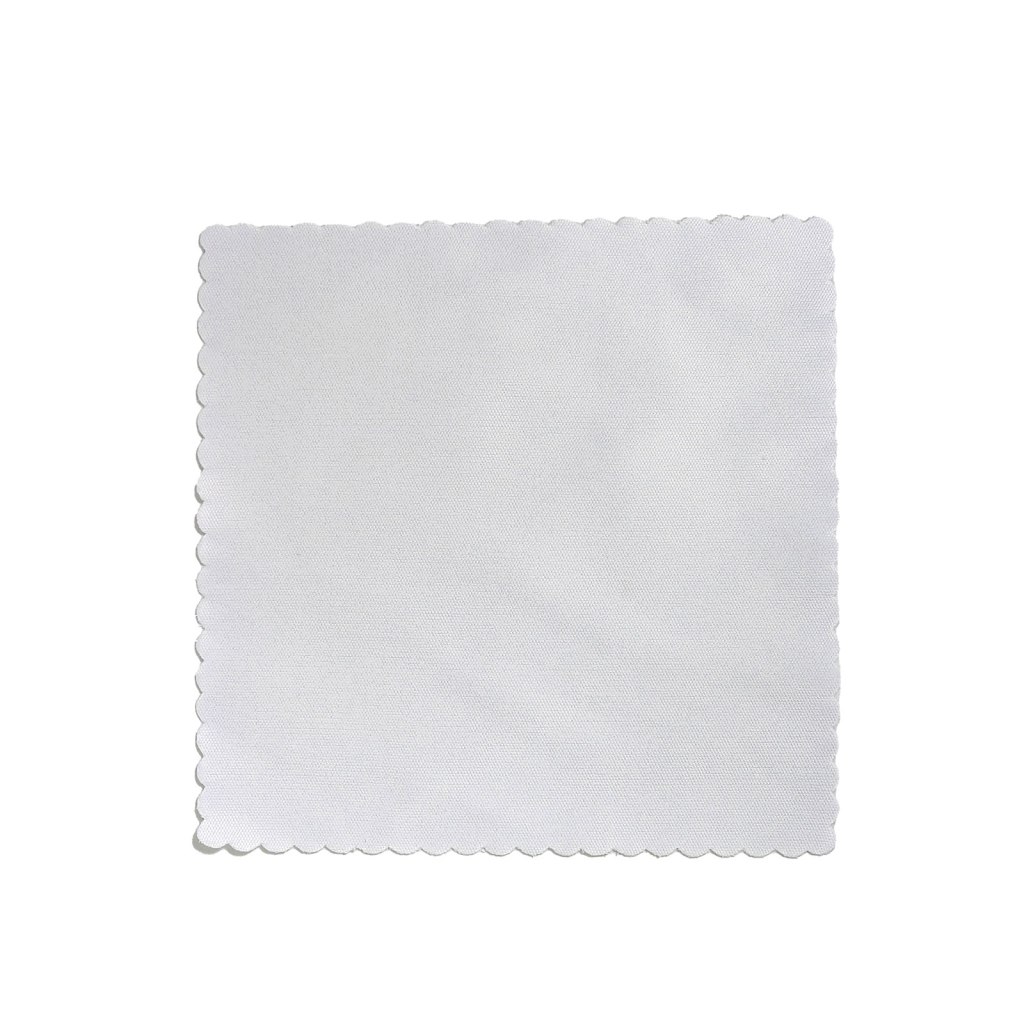
Cleaning Cloth x 1
Version Control
| Date | Model# | Description | Issued by |
|---|---|---|---|
| 2025/4/1 | MZ-01 | 18mm Wide Lens | FotoZ-Tech |
Overview
This user manual applied to a varity of different Smartphone Camera.
This 18mm Wide lens I referred to as “this lens” is compatible with the Clip / Case / Cage with a 17mm filter thread.
This lens is compatible most of the smartphone camera, with a maximam field of view up to 84 degrees at focal lengths within 24mm equivalent to Full Frame (Trapically, the 1x main camera).
Installation
If the Smartphone Camera is sticked with Filter or protector. Remove it before using this lens.
This lens is available with standard 17mm thread diameter. It can be mounted onto the Smartphone Case or Cage with the 17mm Screw Thread, e.g. Sandmarc iphone Case, Neweer iphone Cage.
Important
If you have difficult to setup the Lens, please refer here.
Turn off the Macro before using the Lens.

Setup onto the Main Camera. It is designed on Main camera. Please find the Main Camera and setup on it.
It is recommended to use the third party camera to prevent the swap between camera. e.g. Halide Mark ll, ProCamera+…etc.
Remark: Sometimes, it will be more easy if the rest camera is covered when you are using the main camera.
This Lens is come with the Flat Clip for install this lens flat onto the smartphone camera.
A. Align the Flat Clip to the Main Camera. Clip the Flat clip until position.

B. Adjust the Screw Plate until align the screw hole to the Main Camera.

C. Screw this Lens onto the clip.
NOTE:
1. Turn off the Macro Control when using this Lens
2. Some of the smartphone camera may not be compatible.
Cautions
- When mounting this lens, be careful not to subject it to any form of physical shock.
- Be careful when placing the smartphone with the lens mounted on a tabIe or other flat surface.
- Remove the lens when moving the smartphone.
- Do not hold the camera by the attached lens when picking up the camera.
- Be sure to cover the lens cap of this device when storing it.
- To prevent the accumulation of mould, do not leave the lens in an extremely humid place for a long time.
- Do not look directly to the sun through this lens to avoid eye injury and the risk of loss of the vision.
- The lens should be handled with care and do not drop to prevent the risk of the accident.
Cleaning
Use a blowing brush or soft brush to remove dust from the surface of this lens. Please use a soft cloth with a small amount of mild cleaning solution to wipe finger print or other stains from this lens.
Restriction
When using a flash or AF illuminator, the light source may be blocked and lens shadows may form on the image. Moisture may condense on this lens if it is brought directly from a cold place to a warm place. To avoid this, place the lens in a plastic bag or similar item beforehand. Wait until the air temperature iniside the bag reaches ambient temperature, then take out the lens and install.
 FotoZ
FotoZ 